One click. Another perspective.
Switch between your mix and a reference to compare tone, balance and dynamics directly.
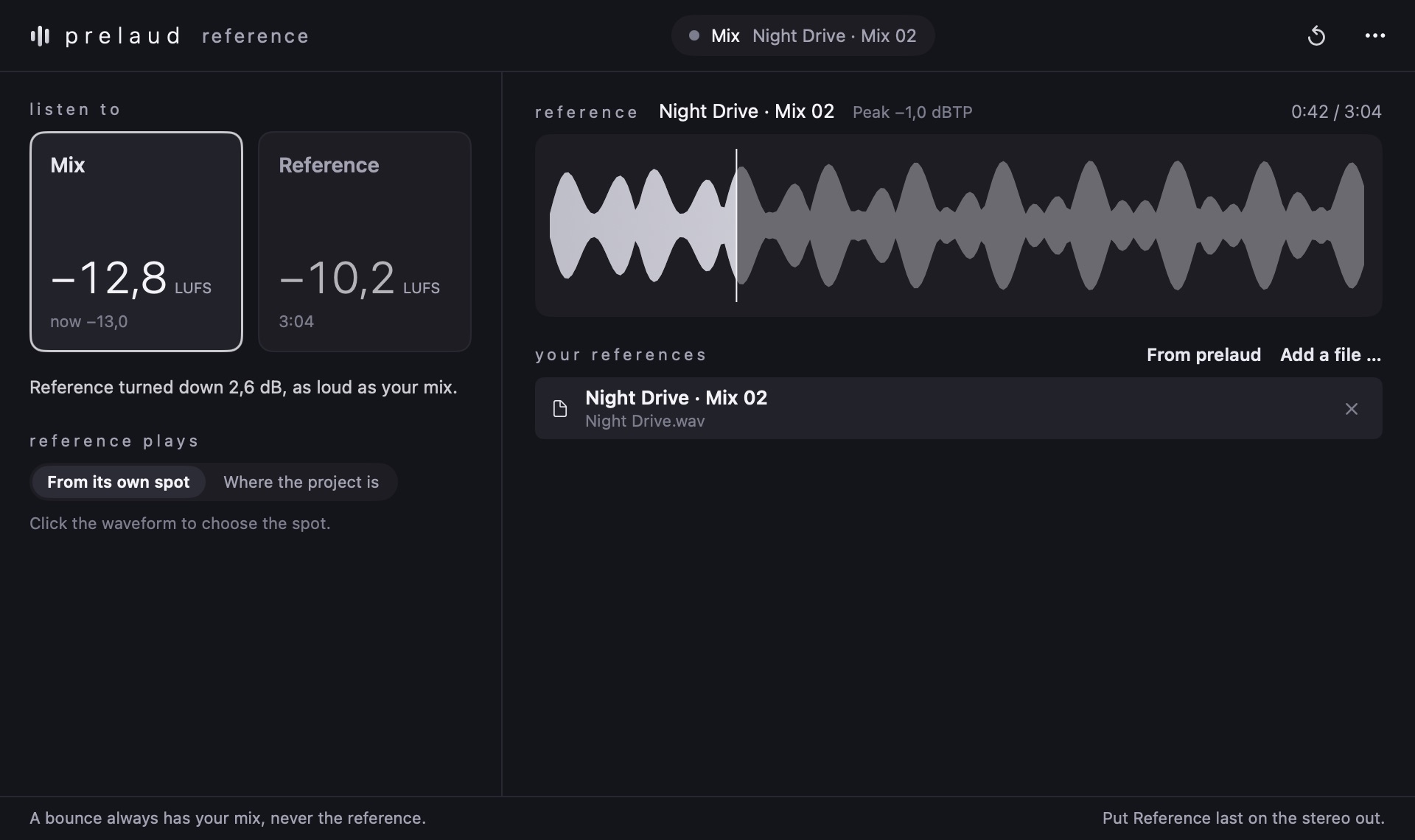
Switch between your mix and a reference, with their loudness matched.
Individual purchase is not available yet.
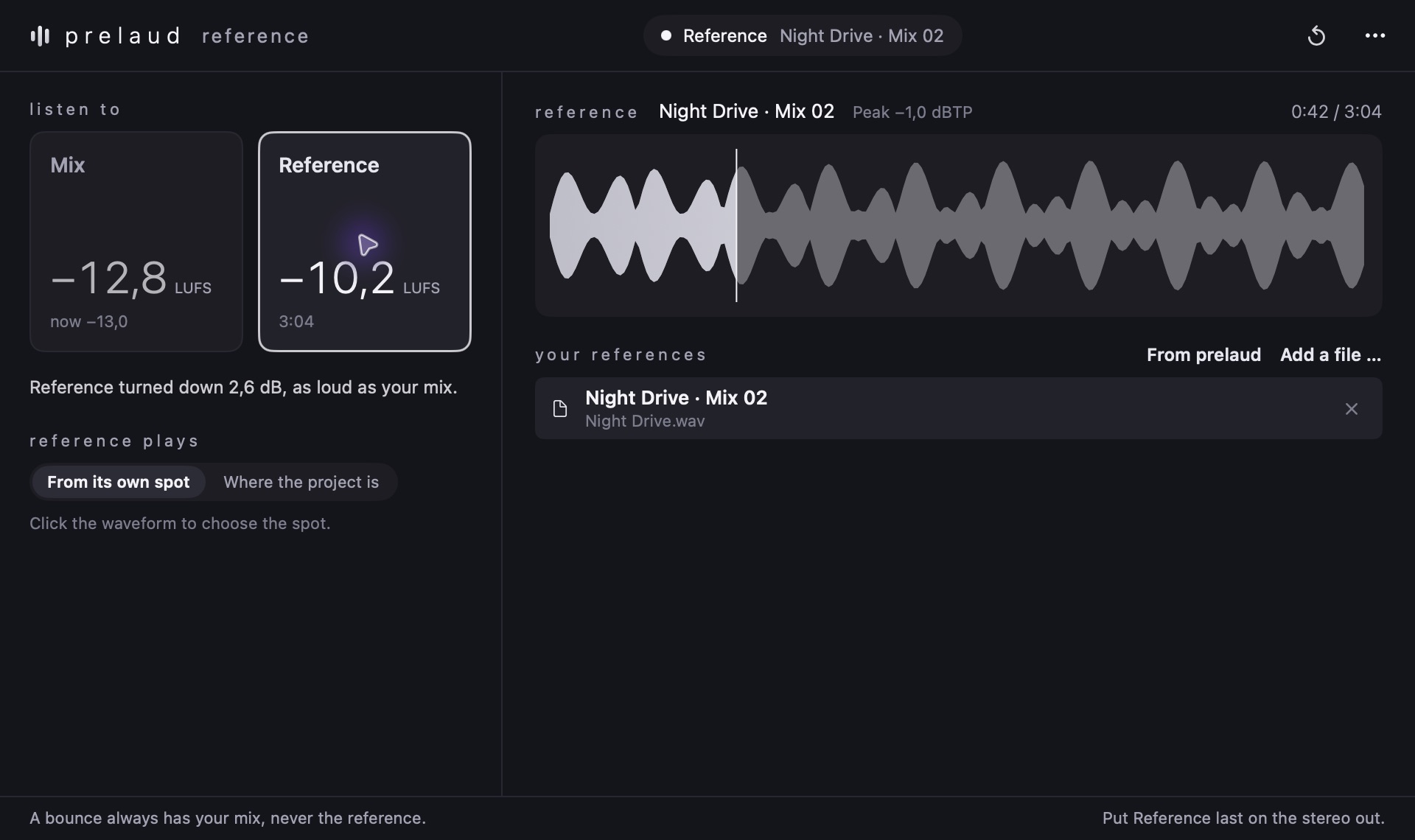
Interactive views from original plugin captures. No audio is processed in your browser.
Switch between your mix and a reference to compare tone, balance and dynamics directly.
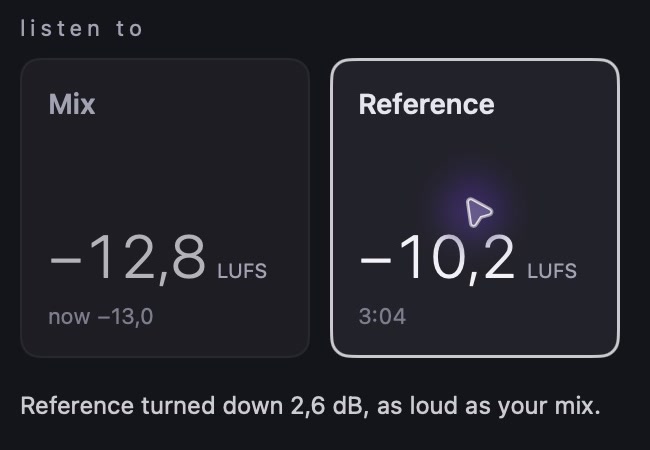
Reference matches the reference level to your mix. The displayed adjustment shows exactly how much the level changes.
Choose a point in the waveform or let the reference follow the project position. Load your own audio files and compare different versions of a track.
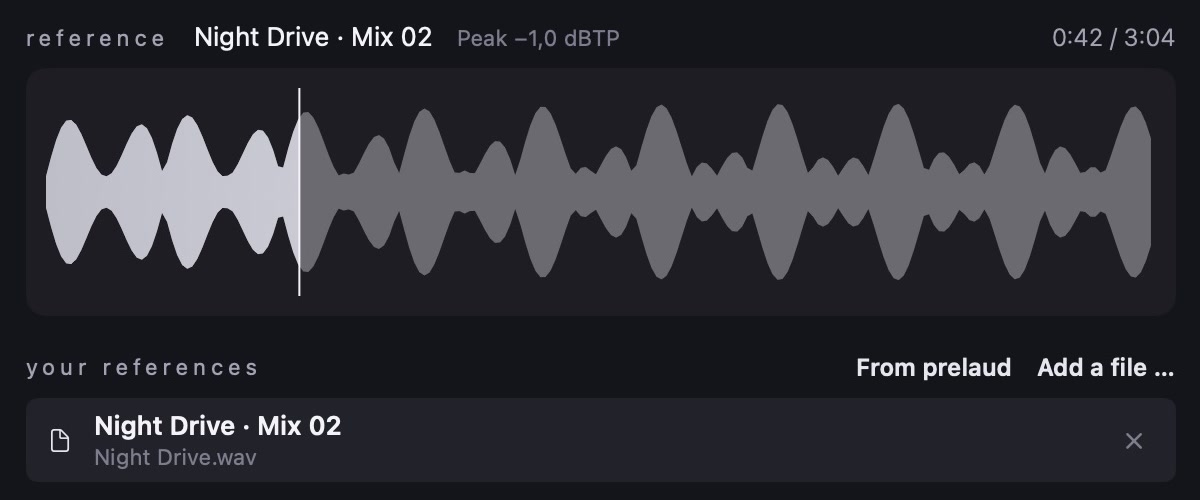
Add an audio file or choose a song from your prelaud albums.
Switch between mix and reference. Loudness matching keeps a louder track from dominating the comparison.
Click the waveform or let the reference follow the project position, for example when comparing two versions of one song.