Loudness
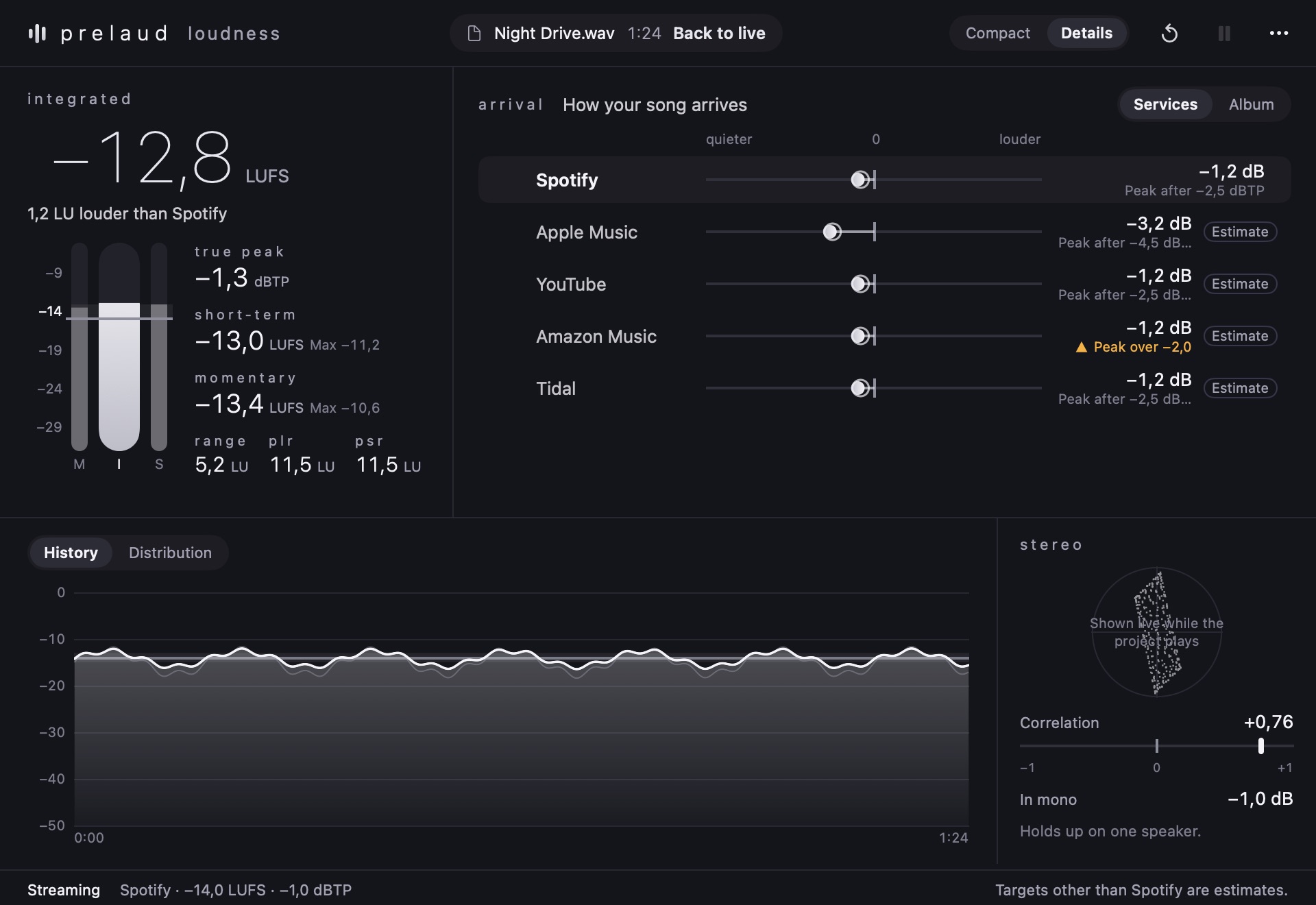
Measure loudness and peaks. See what changes when your song plays on streaming services.
Listen closer. Compare your mix, check its loudness and find the sound that fits.
Views change automatically. Selecting a plugin keeps it on screen.
Measure loudness and peaks. See what changes when your song plays on streaming services.
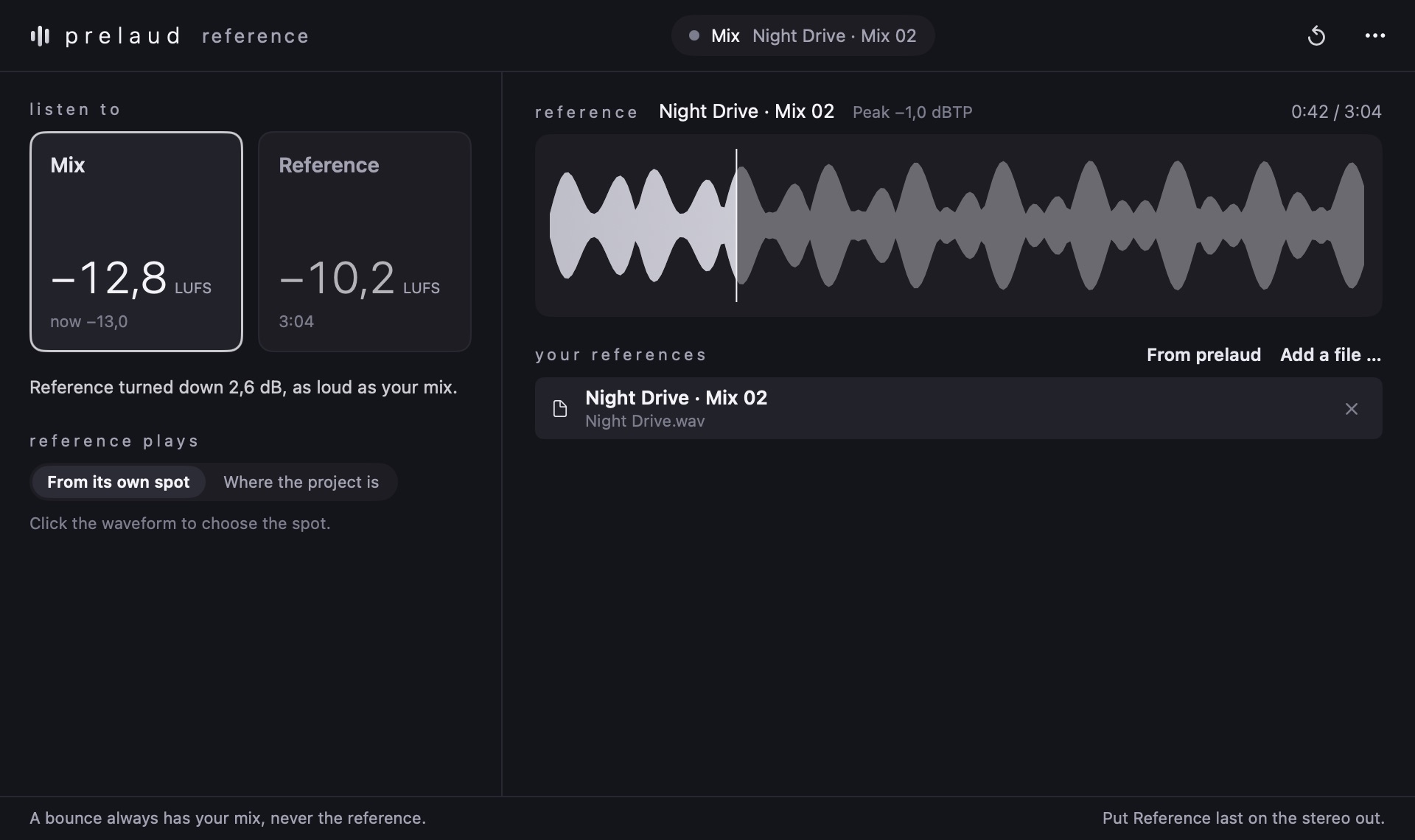
Switch between your mix and a reference, with their loudness matched.
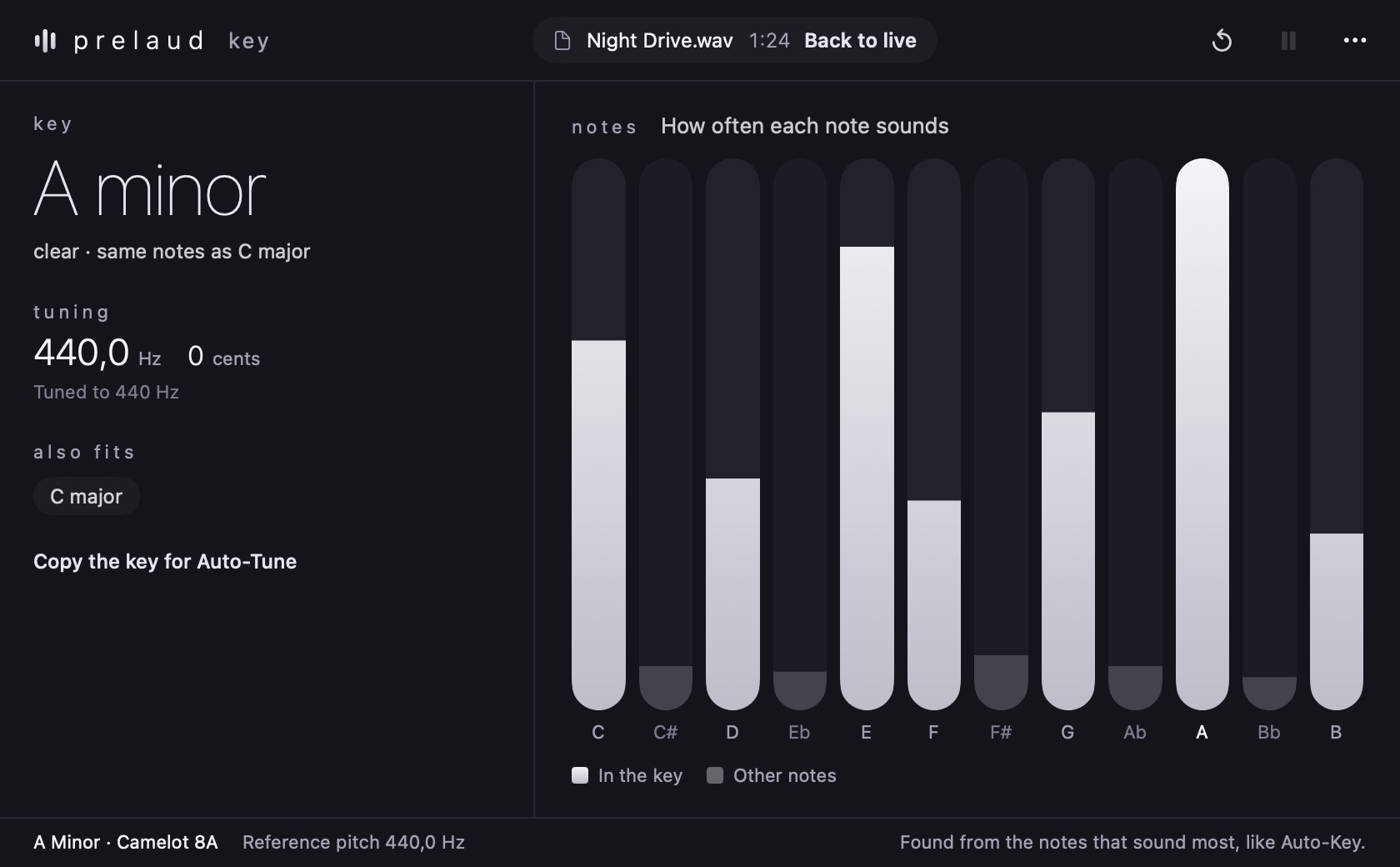
Identify key and tuning from live audio or a file.
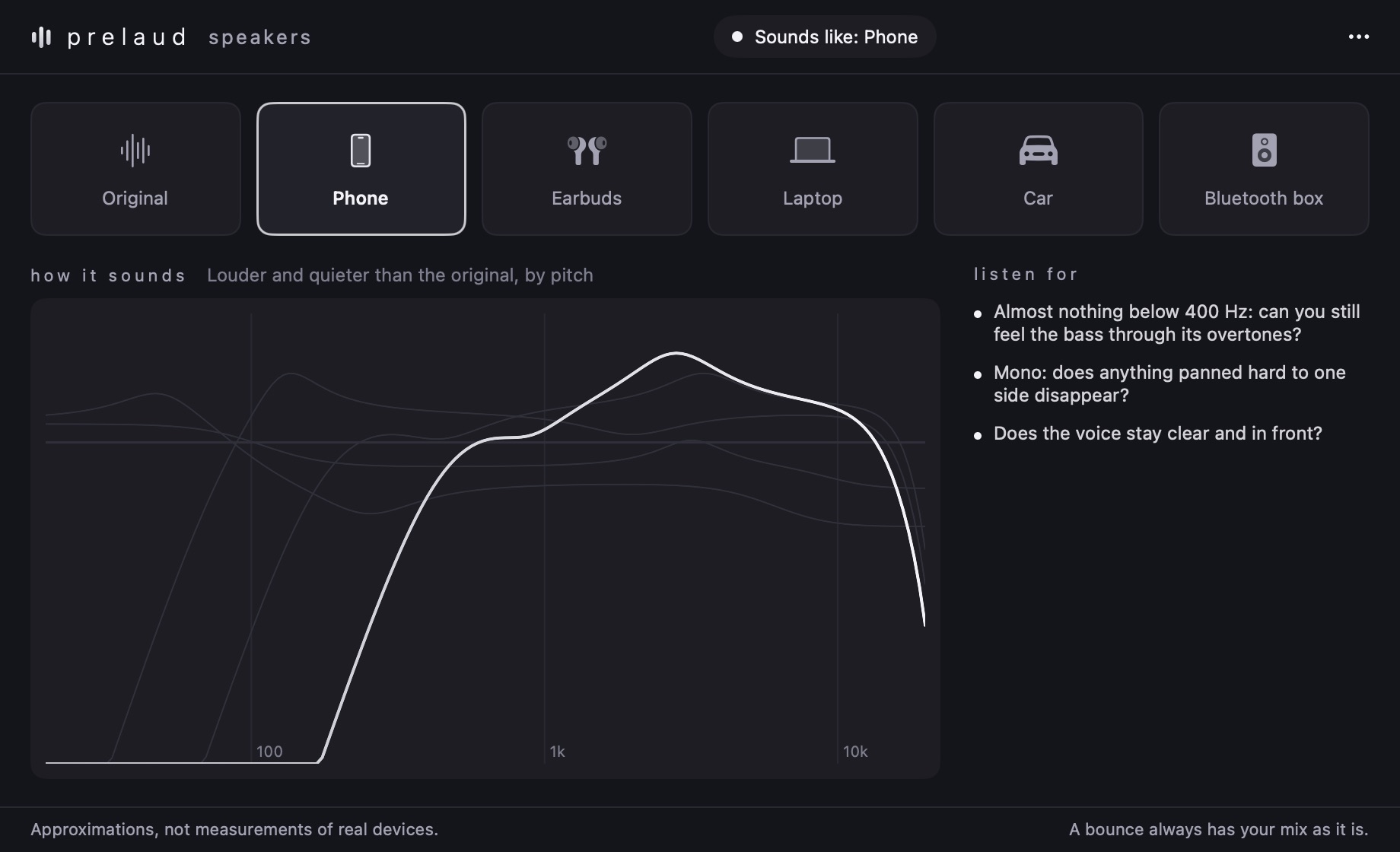
Hear your mix from another perspective: phone, laptop, car and more.
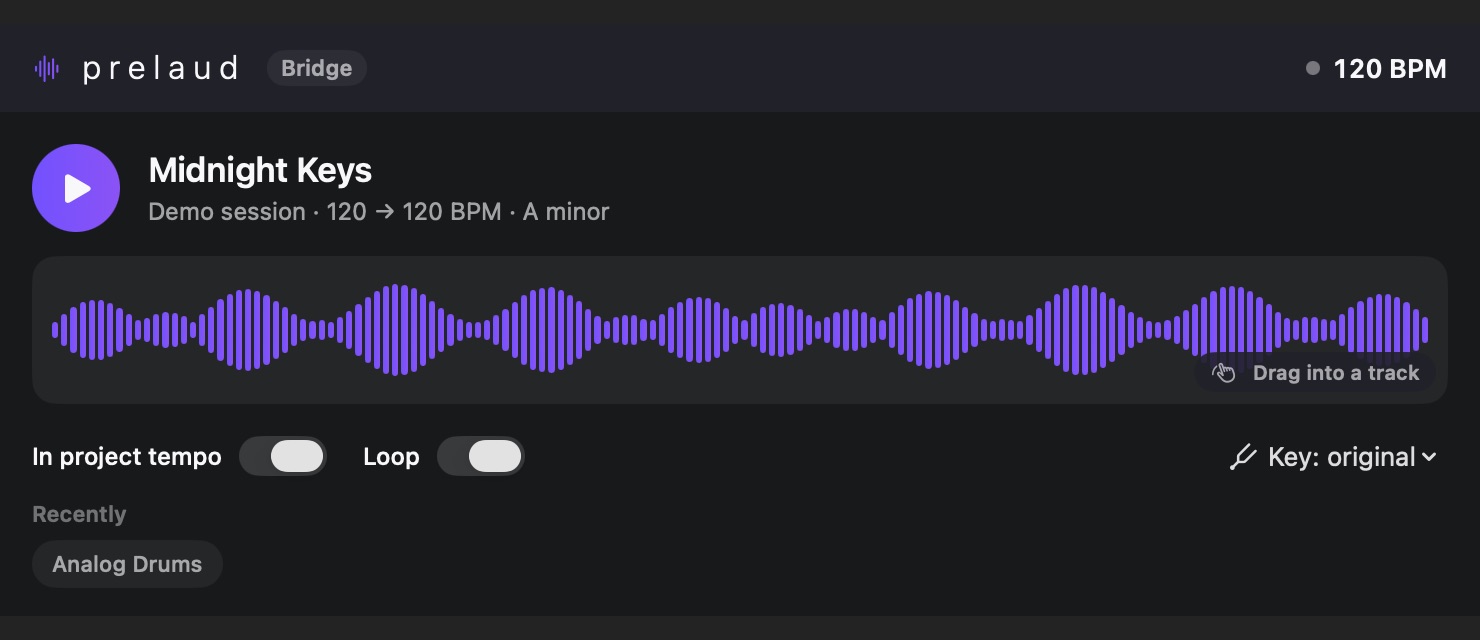
The connection between your sound library and your project in Logic.
The plugins are being developed as Audio Units for the prelaud Mac app. For Logic on Mac — not for the browser or iPhone.
Not yet. You can explore the plugins on this site. Individual prices, bundles and the sales launch have not been confirmed.
Loudness, Key, Reference and Speakers currently use the Mac app’s Premium access. Individual purchases are not available yet. Sounds connects to your sound library in prelaud.
The current format is AUv3 for Mac. There is no released Windows or VST3 version yet.
A separate plugin installer is not available yet. The existing Audio Units belong to the Mac app. Visit the prelaud website for information about the Mac release.