See your track being measured.
Drop a file into the plugin. Loudness analyses the audio, then runs through the measured loudness, peaks and dynamics.
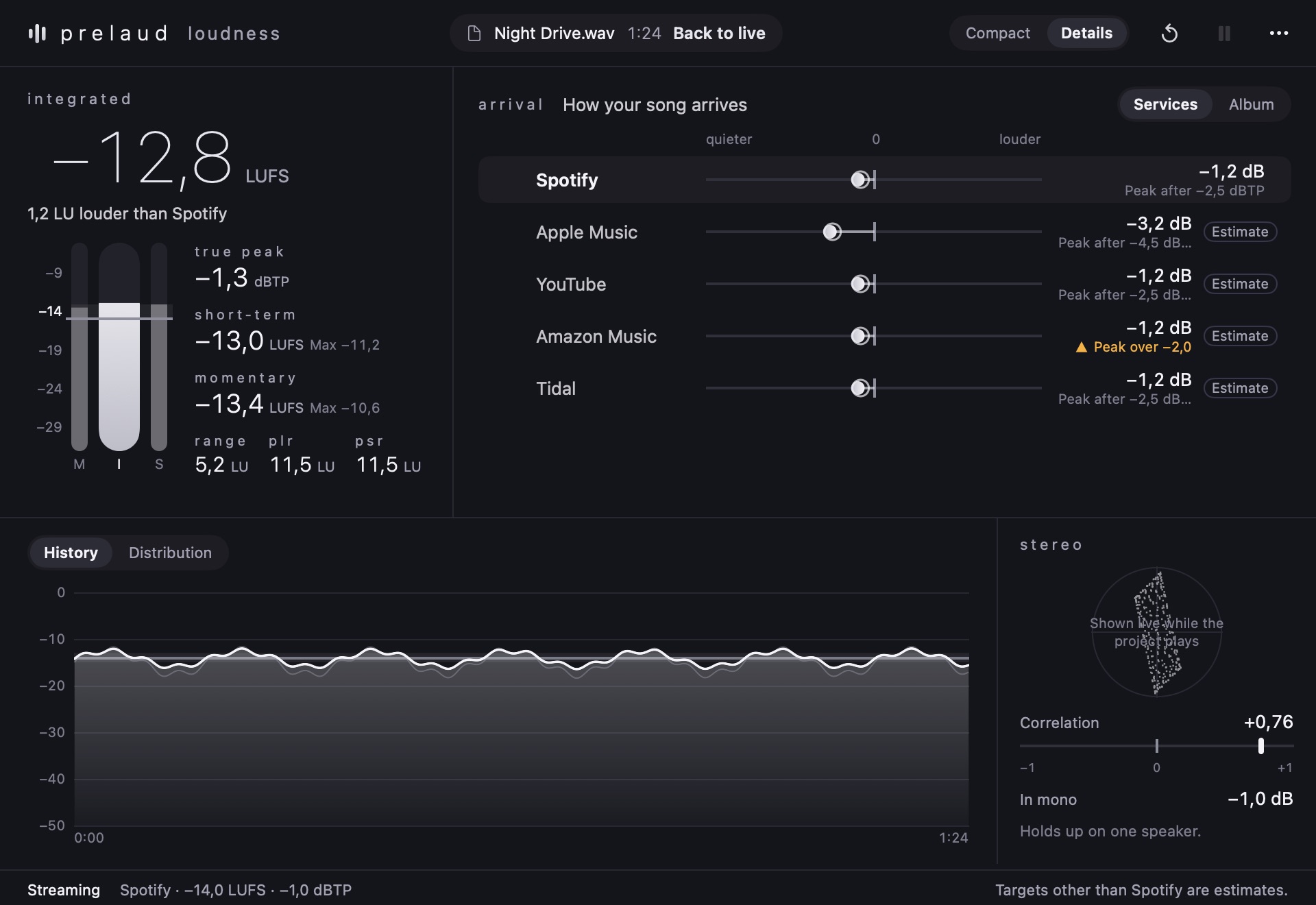
Measure loudness and peaks. See what changes when your song plays on streaming services.
Individual purchase is not available yet.
Interactive views from original plugin captures. No audio is processed in your browser.
Drop a file into the plugin. Loudness analyses the audio, then runs through the measured loudness, peaks and dynamics.
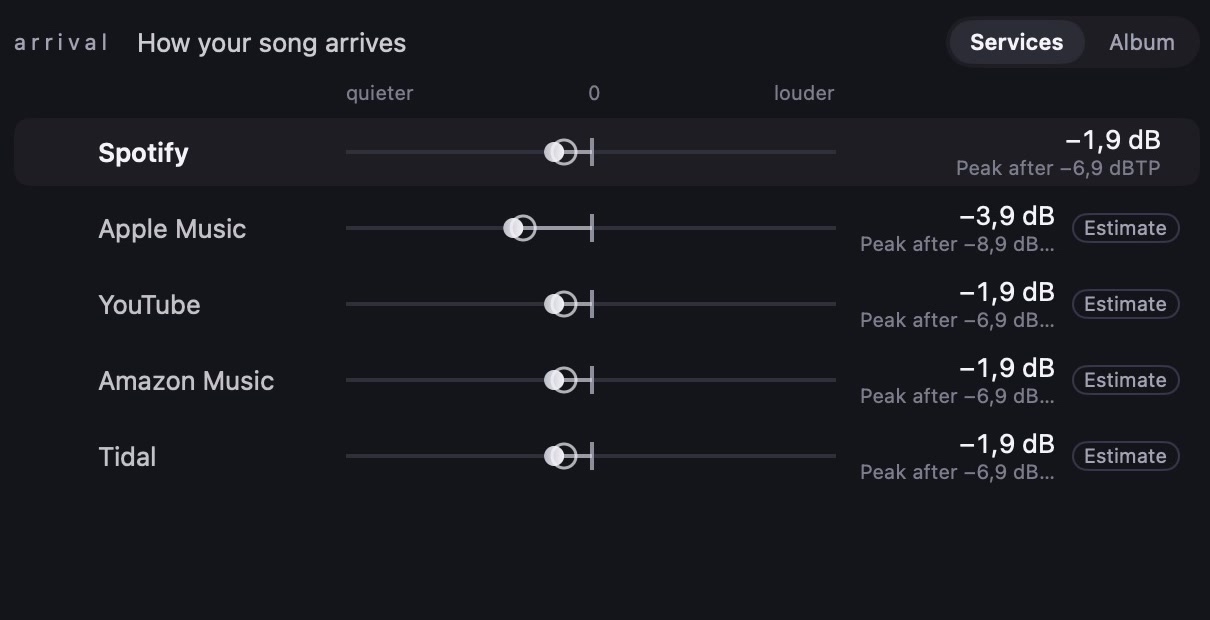
See how much each service would change the level. Compare loudness adjustments and potential peak problems side by side. Targets outside Spotify are estimates.
Switch to the compact view to keep the essential readings beside your session. The detailed view adds history, distribution and stereo information.
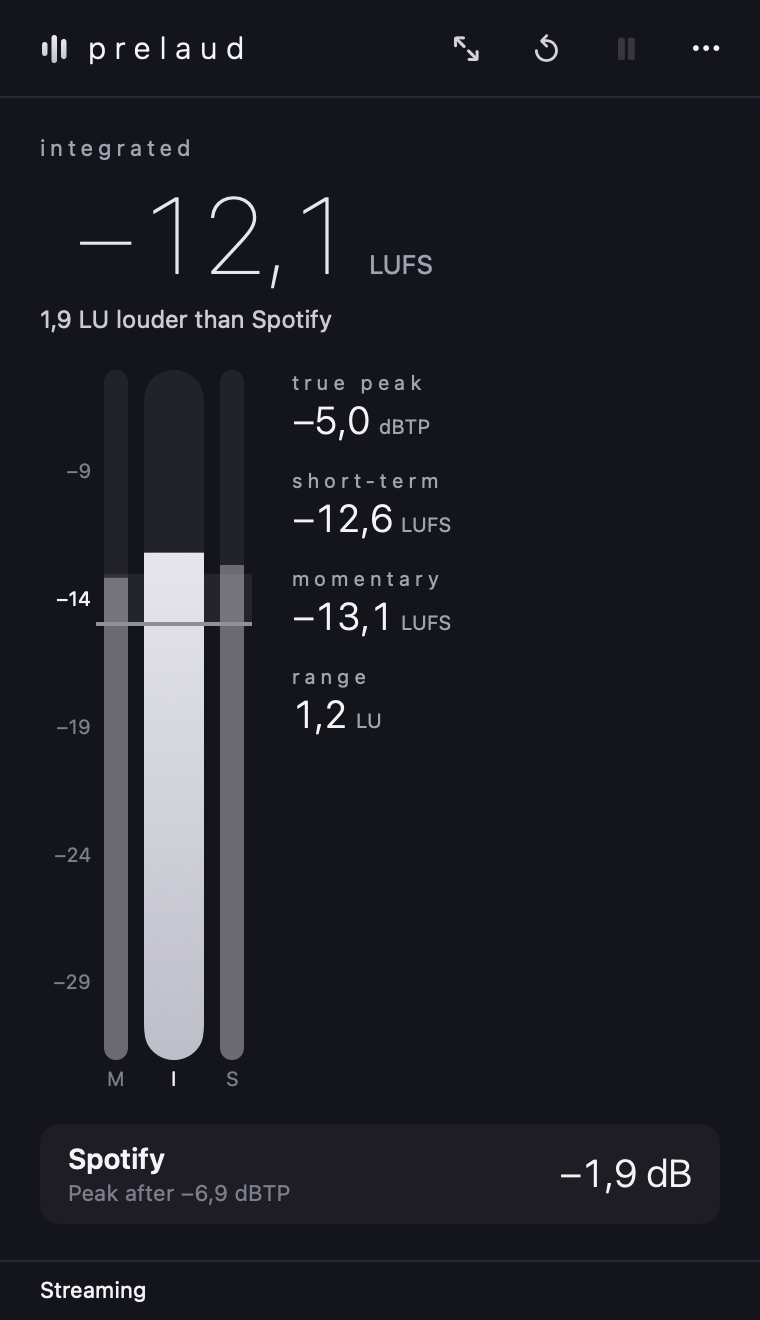
Place Loudness on your stereo output or drop in an audio file.
Read the overall loudness and brief peaks. The history shows where the level changes.
Select a streaming target and compare its level adjustment, then check stereo correlation and mono loss.