From your library to the track.
Open a prelaud sound in the bridge. The waveform and metadata help you find your way. Drag sounds that permit export directly into a track.
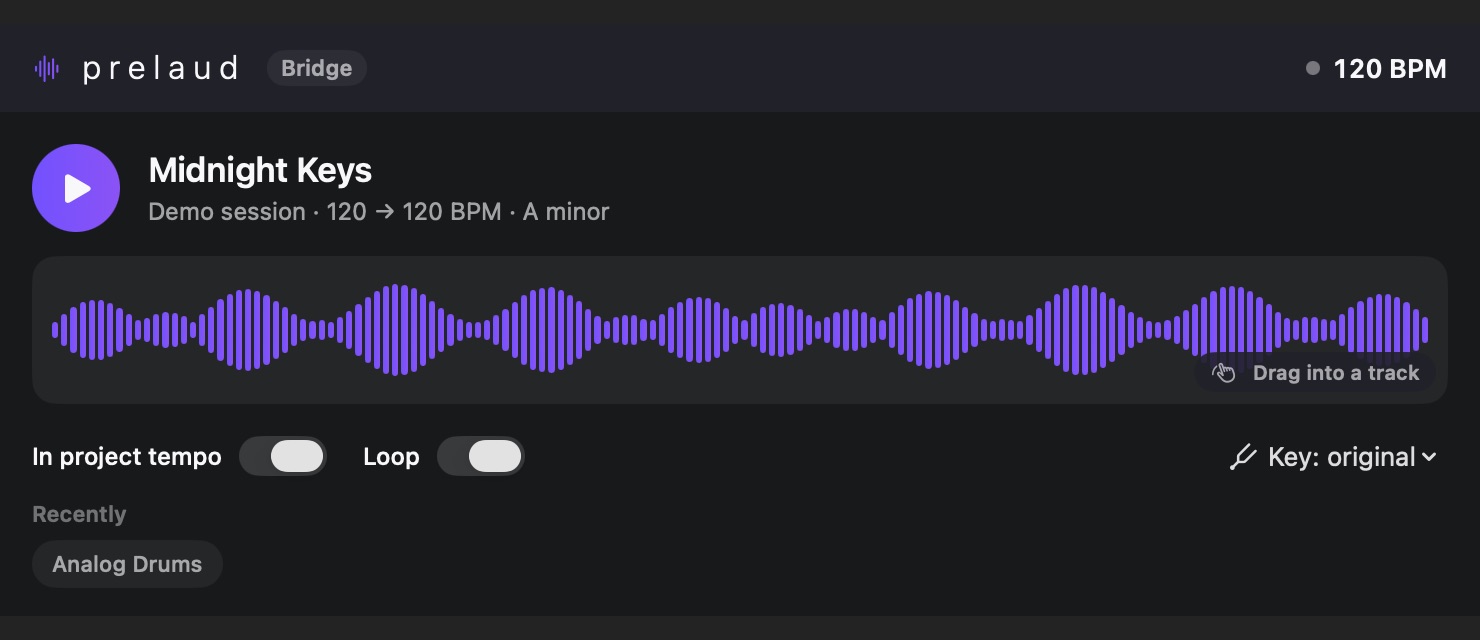
The connection between your sound library and your project in Logic.
Individual purchase is not available yet.
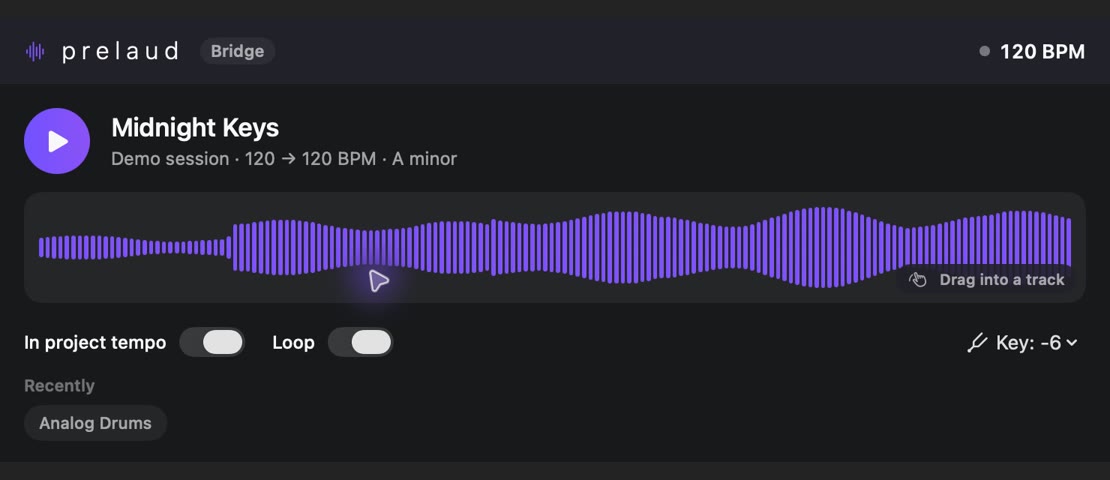
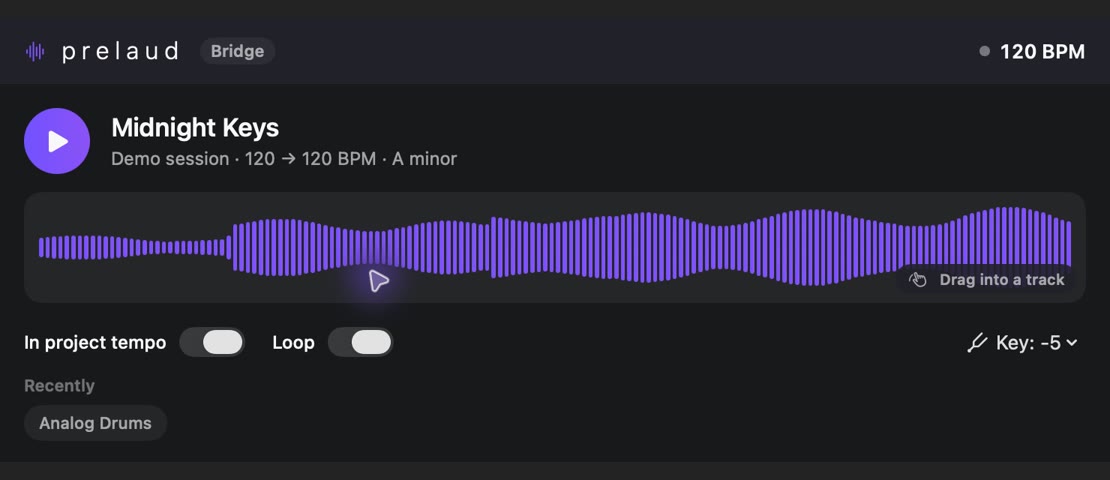
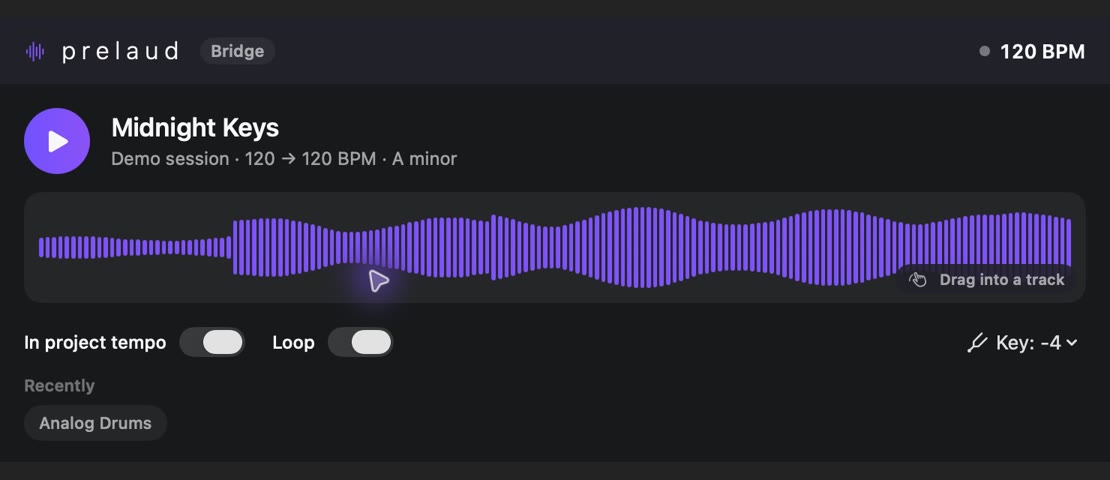
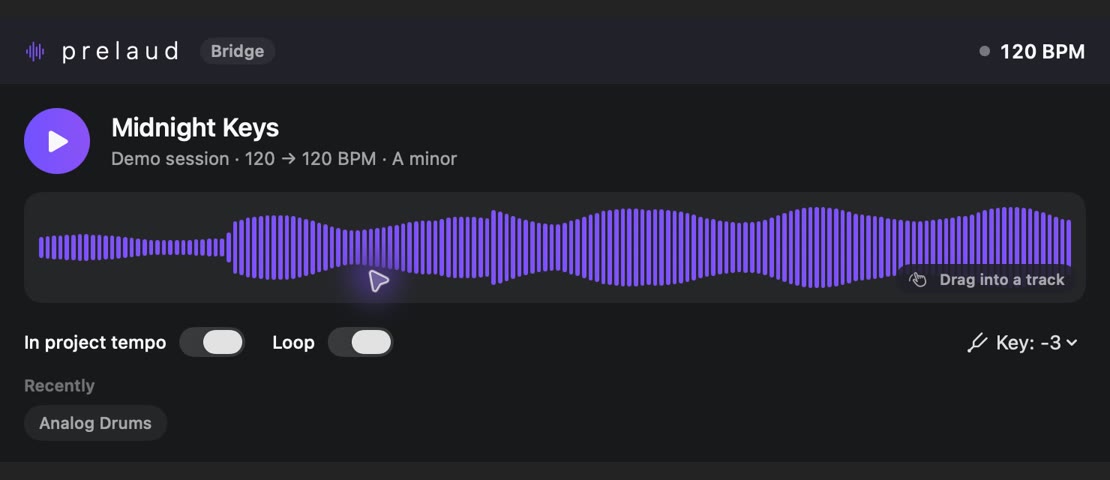
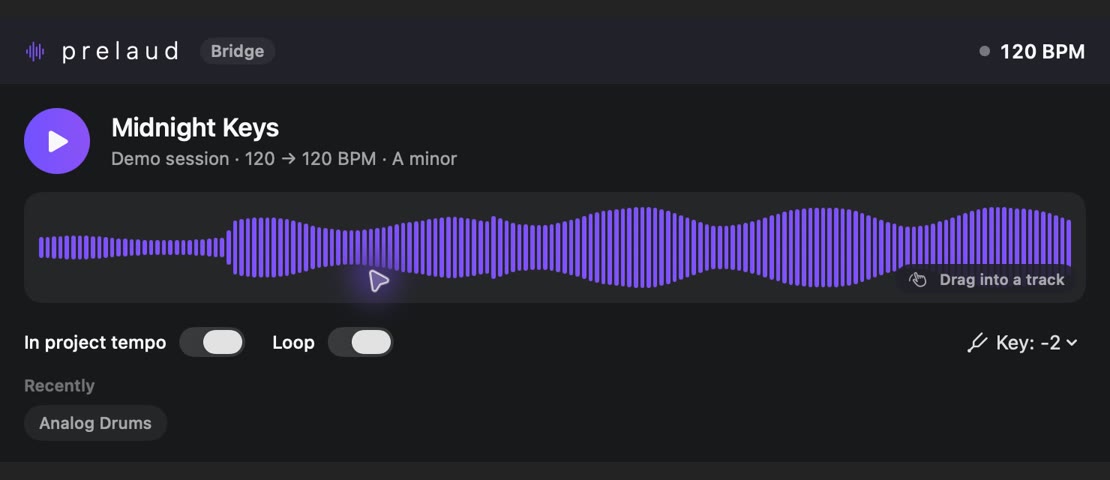
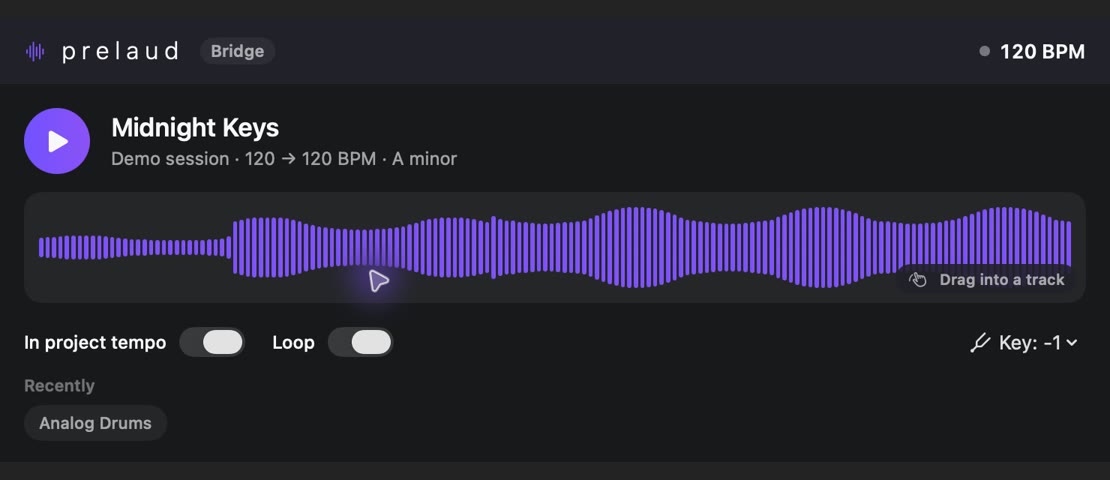
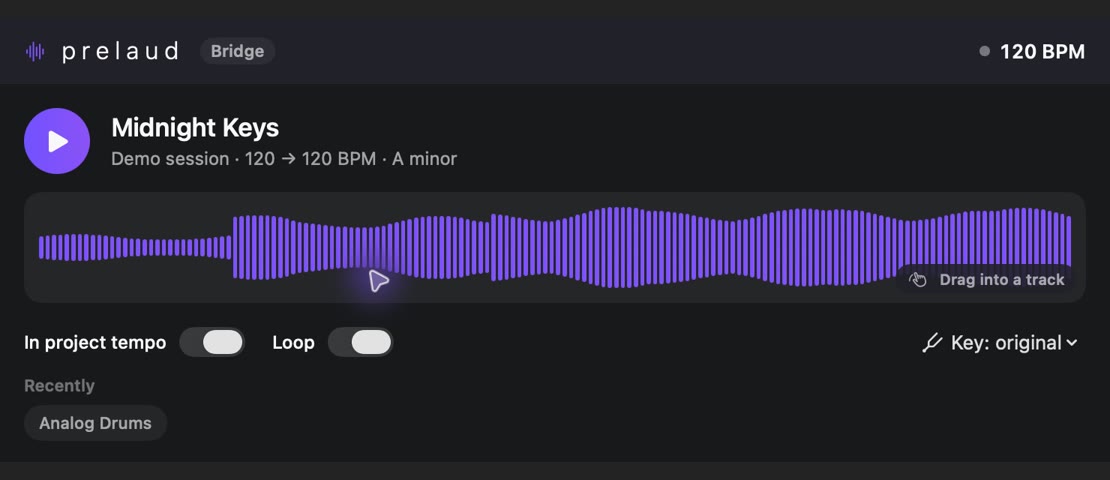
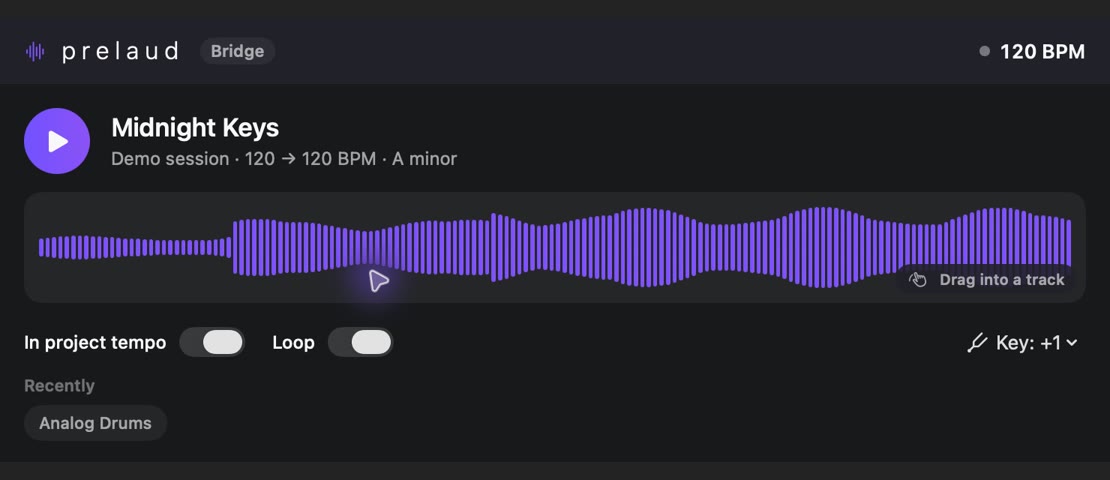
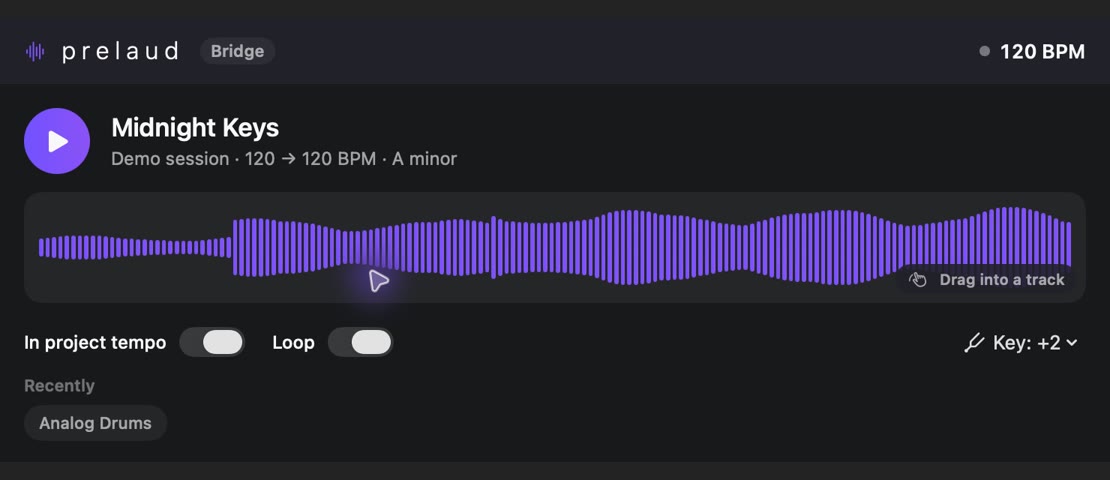
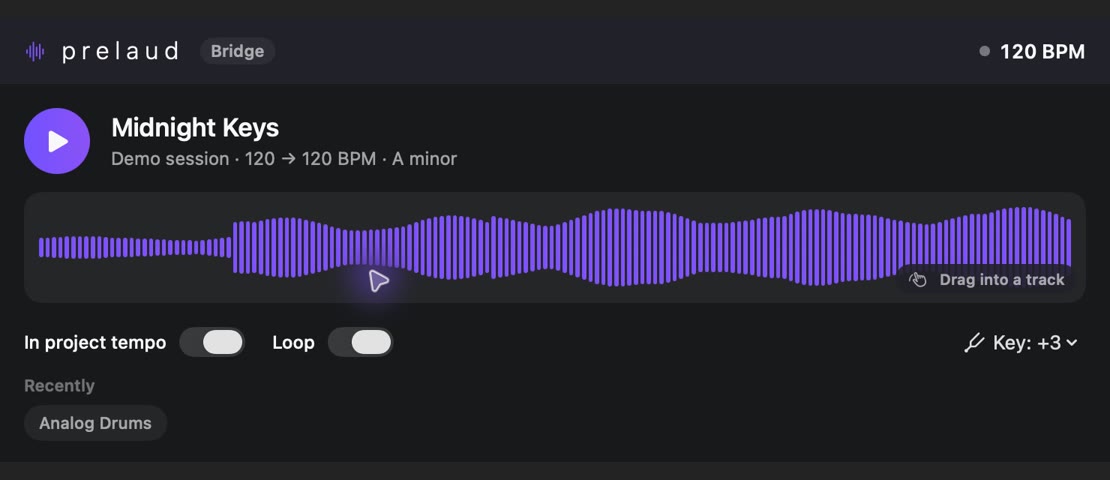
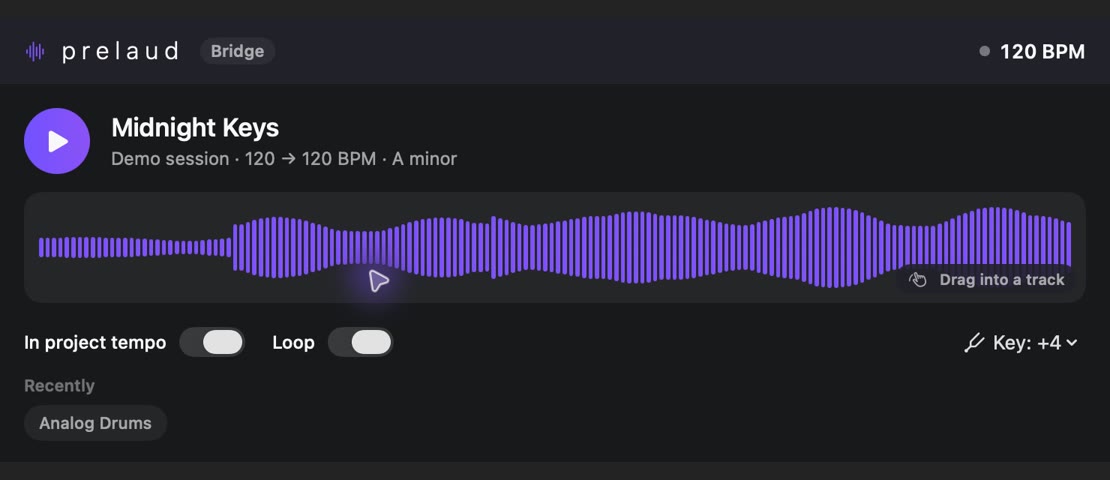
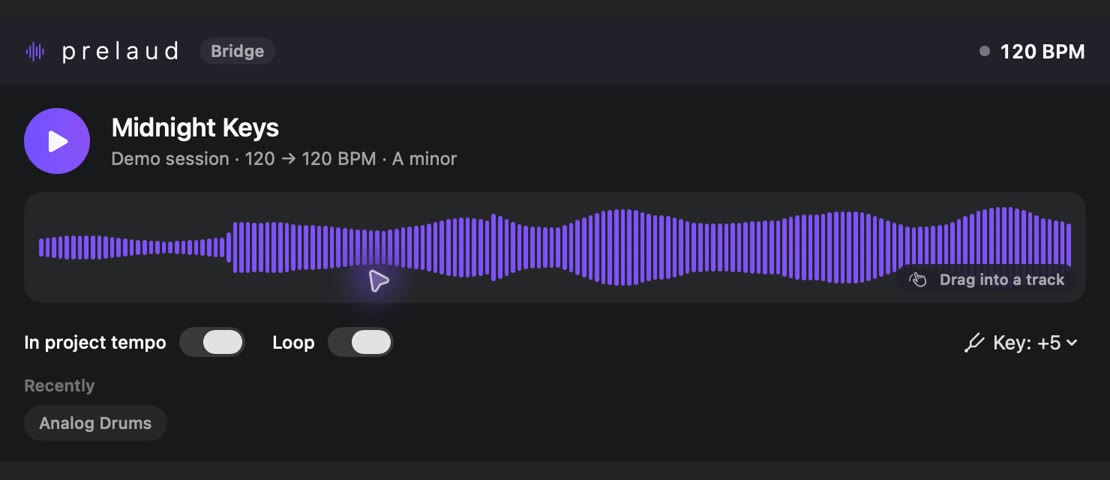
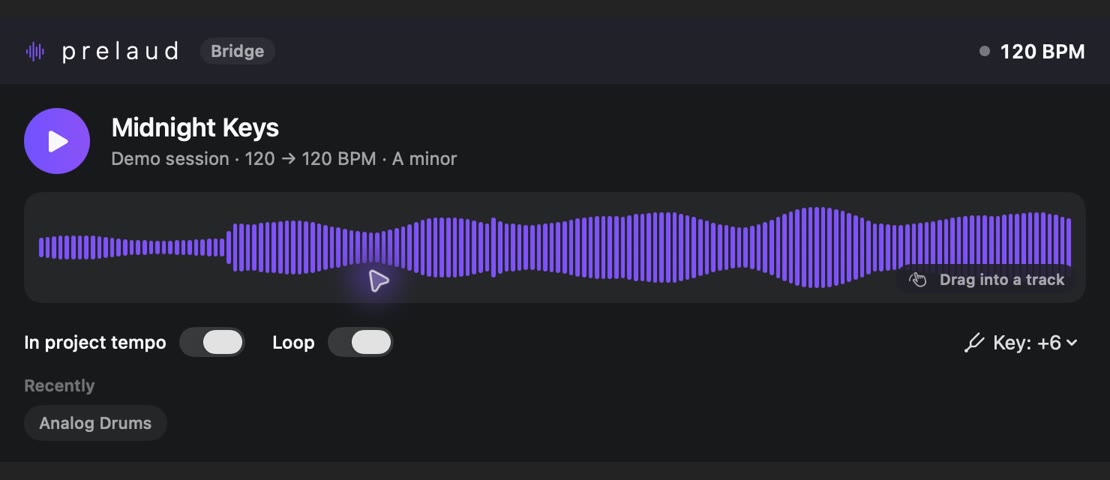
Interactive views from original plugin captures. No audio is processed in your browser.
Open a prelaud sound in the bridge. The waveform and metadata help you find your way. Drag sounds that permit export directly into a track.
Adjust pitch in semitone steps or choose a target key. The setting stays within reach beside the sound.
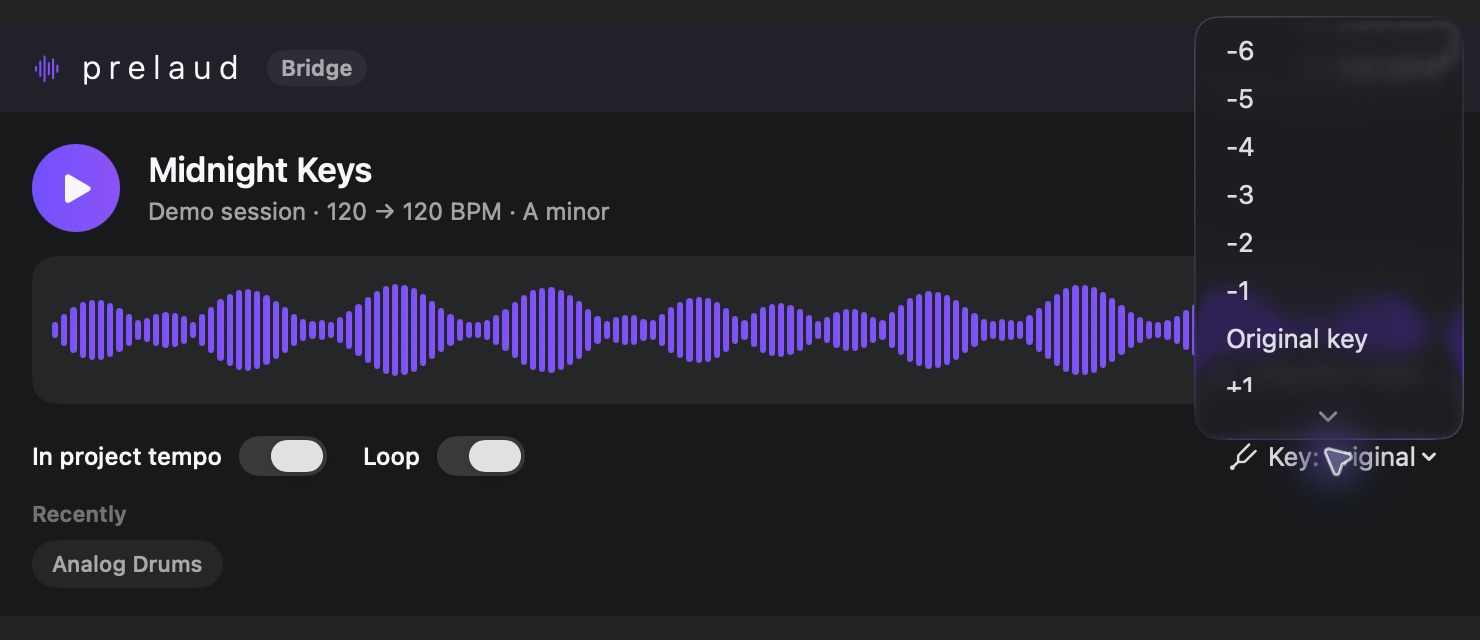
Toggle looping as needed and follow the project tempo. Recently used sounds stay close at hand below.
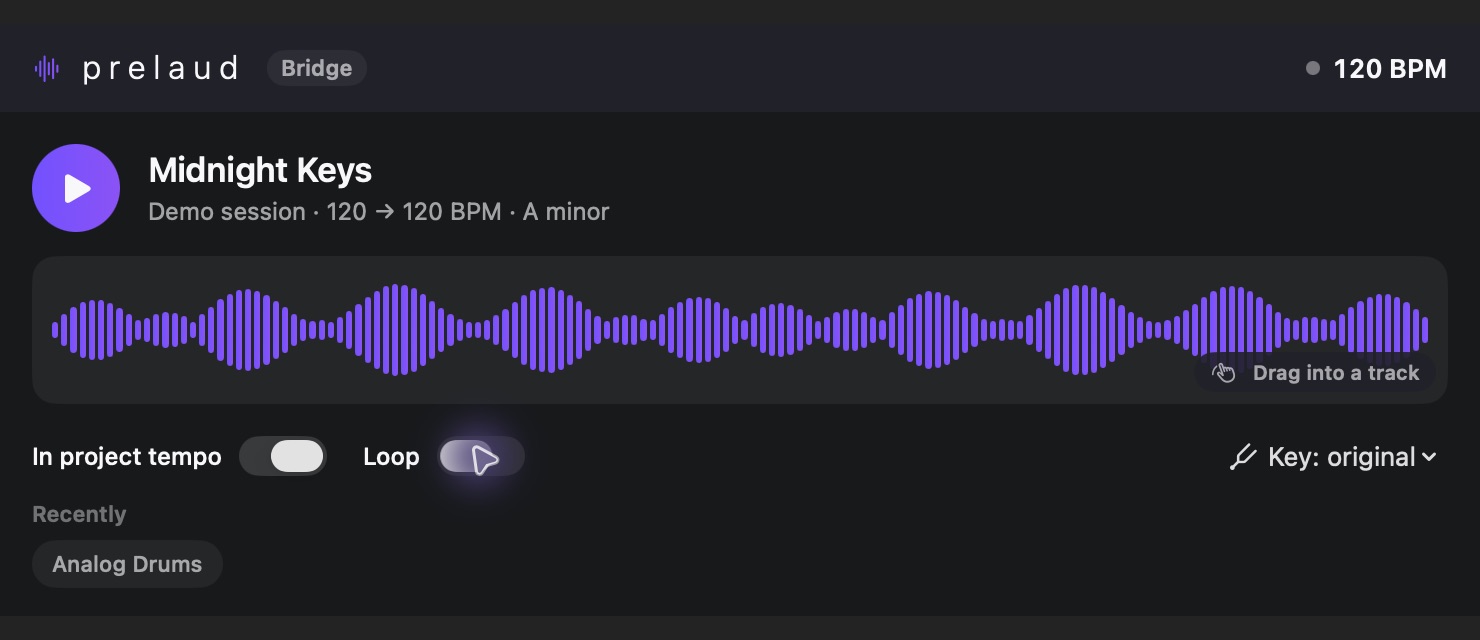
Open the bridge on an instrument track, then choose a sound in the Mac app.
Set project tempo, loop and key to hear how the sound fits your project.
Drag sounds permitted for export from the waveform into a track. Recent sounds remain available below.